What Google actually switched on
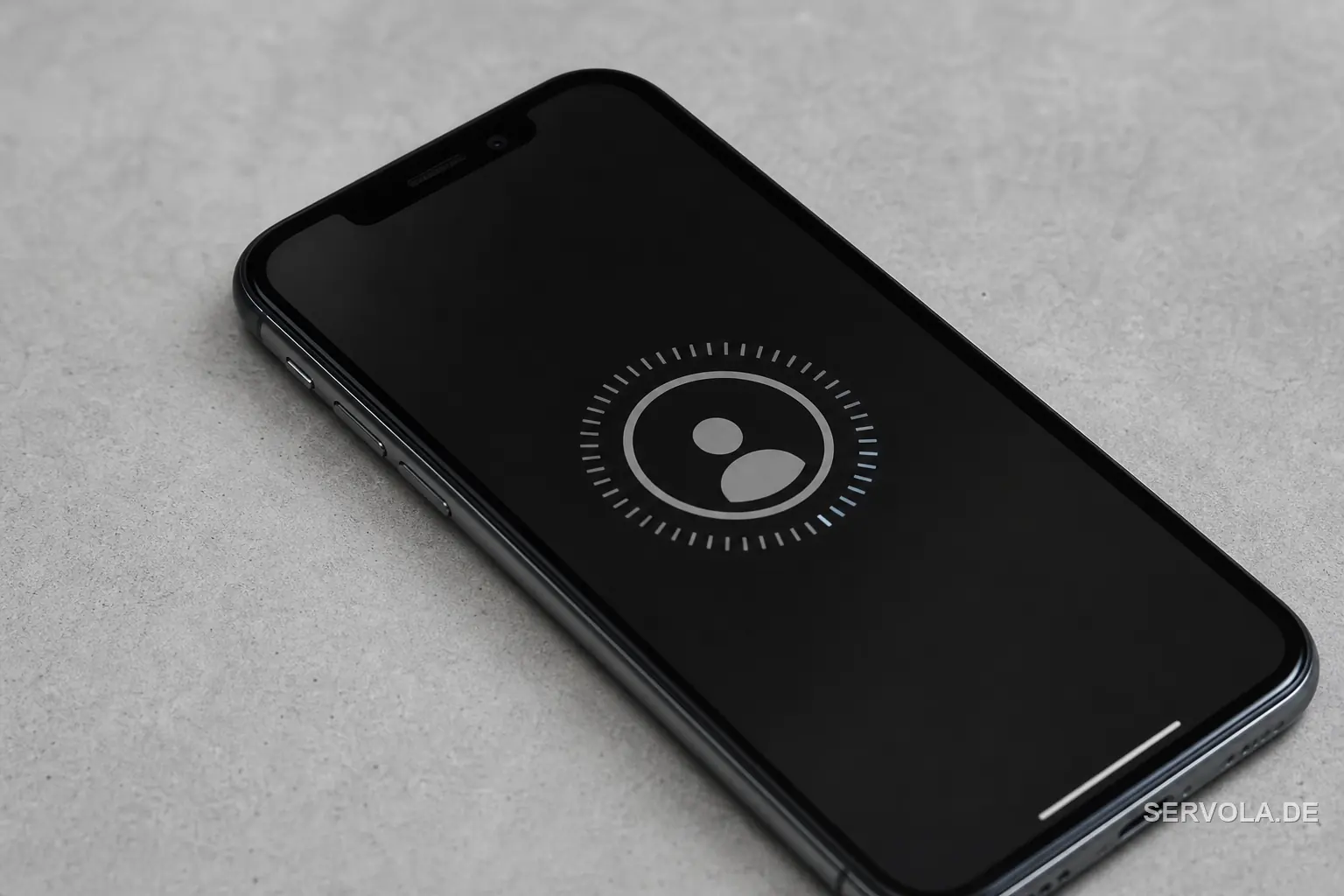
On July 23 Google added a selfie video as a way back into a locked Google account. You enrol once by holding up your phone or webcam and making a few guided head movements so the camera captures your face from several angles. The next time you are locked out and cannot reach your usual device, you record a fresh short clip and Google compares it against the stored one.
The feature is rolling out gradually to eligible personal accounts worldwide, and it sits alongside passkeys and recovery contacts rather than replacing them. Google says the reference clip is encrypted at rest, used only for sign-in by default, and deletable at any time, with an optional setting that lets the company use it to improve its verification models. You can check whether your account qualifies in its security settings.
The accounts it pointedly leaves out
The exclusions are the real signal for anyone running a business. Google Workspace accounts, accounts managed for children, and accounts in the Advanced Protection Program cannot use selfie recovery. That means the logins your staff use for company mail, documents and admin consoles are untouched by this change.
So the headline consumer feature is not a new safety net for your organisation. If an employee is locked out of a Workspace account, the recovery path is still an administrator reset, a passkey, or a registered recovery contact. Treat the selfie option as something your people may turn on for their private Gmail, not a control you manage.
A face template is not a password you can change
A password or a passkey can be rotated after a scare. A face cannot. Once a template of your face lives on a platform, the tradeoff is more permanent than a leaked string, which is why the encryption-at-rest and liveness claims matter and why the opt-in to reuse the clip deserves a second look before you tick it.
In the European Union and the United Kingdom this is not a small detail. A stored face video is biometric data, a special category under the GDPR that carries stricter conditions than an email address or a phone number. Britain's ICO and every national data-protection authority treat it that way, so handing a face template to a US platform is a decision, not a default.
What to do this week
Keep passkeys as your primary sign-in and the selfie only as a fallback, check your eligibility so you know whether the option is even live for your account, and make sure you still hold one recovery route that does not depend on your body, such as a hardware key or a trusted recovery contact. If you set staff policy, write down whether personal accounts used for work may enrol, because once the template exists you cannot take it back.
The convenience is real, and for someone who loses a phone and forgets everything else, a face is a genuinely useful last resort. The point is to enrol on purpose rather than by reflex, knowing exactly what you are storing and where.
Read next: Google Was Fined for Proof It Could Not Produce | Google Buys a Bankrupt Airline's Data for AI Training