The morning after a bad patch
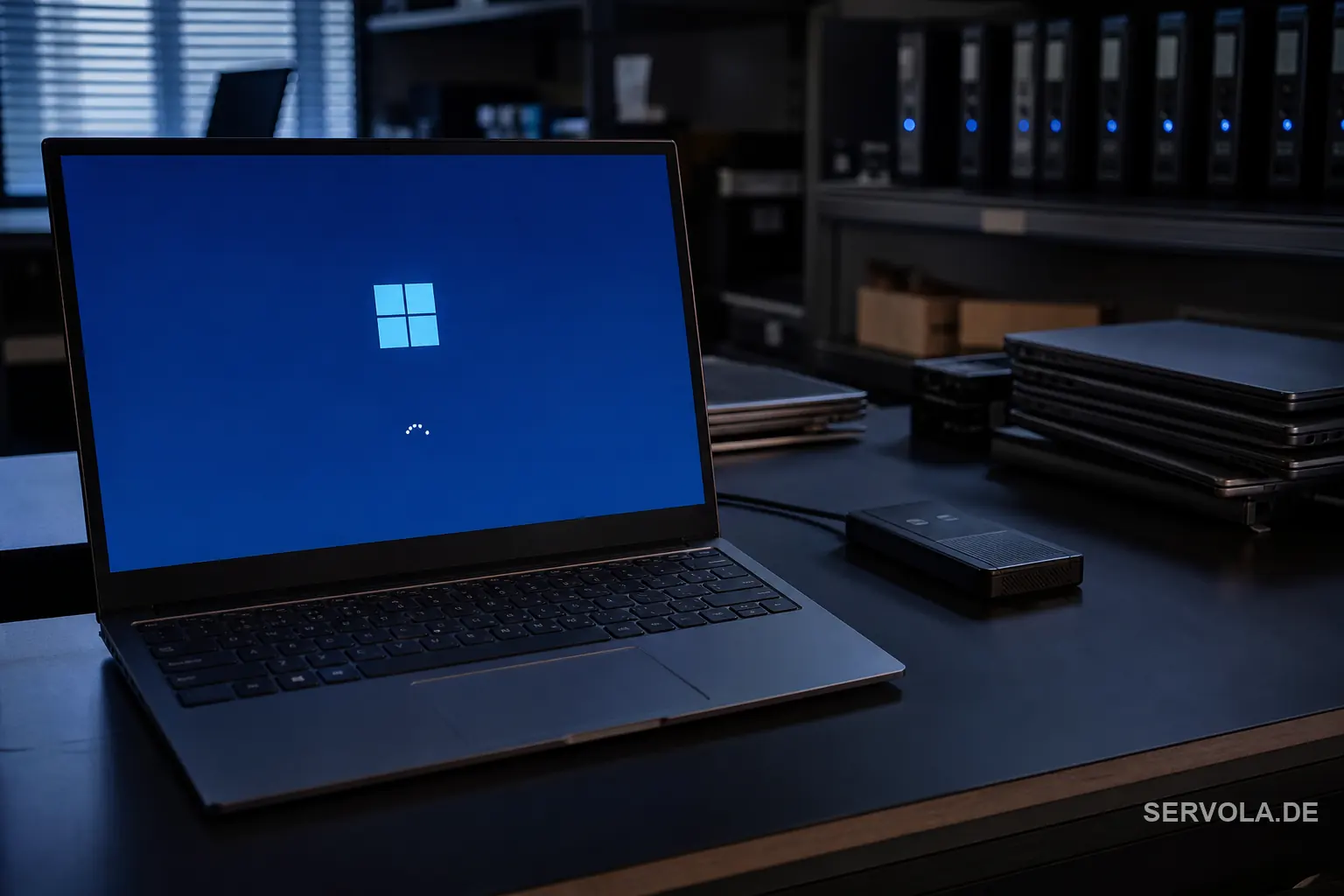
Picture the IT lead who approved Tuesday's update overnight. By nine the support queue is full: machines stuck on a spinning dot, a driver that will not load, a line-of-business app that opens to a grey screen. Until now the fix was hours of reimaging, one device at a time. From the 14 July update Microsoft wants that morning to end differently.
The change is Point-in-time Restore, and it is now generally available rather than a preview. Windows quietly keeps recent snapshots of a working system, and when something breaks a user or technician can roll the whole PC back to one of them from the recovery environment. Microsoft's pitch is blunt: recover in minutes, not hours, from a faulty update, a broken driver or a corrupted configuration.
What actually shipped on 14 July
Point-in-time Restore works on Windows 11 version 24H2 and later, and it spans Home, Pro and Enterprise rather than hiding behind a business tier. By default Windows captures a restore point about every 24 hours and stores it locally, so recovery does not depend on a network or a cloud account being reachable when the machine is already broken.
The restore itself runs from the Windows Recovery Environment, the same safe mode Windows falls back to when it cannot start normally. Instead of a clean install that wipes the setup, the system returns to its last good snapshot with apps and settings intact. Microsoft has also said remote recovery through Intune is coming, so administrators could one day trigger a rollback without physical access.
Why this lands now
The context is the memory of July 2024, when a single bad security update from a third-party vendor knocked out Windows machines across airlines, banks and hospitals, and grounded flights in Europe for days. The damage was not only the bug; it was that every recovery meant hands on every keyboard. A built-in, minutes-level rollback is Microsoft answering that failure at the operating-system level.
For an owner the value is downtime, measured in money. If a broken patch used to cost a technician an hour per machine across a few hundred devices, a rollback that runs from the recovery screen turns a lost day into a lost coffee break. That is the honest reason this feature matters more than most Patch Tuesday notes.
Read the limits before you relax
The defaults are narrow on purpose. Snapshots are kept for up to 72 hours and consume up to 2 percent of the drive, which can mean roughly 50 GB on a large disk. That makes Point-in-time Restore a short-window undo button, not an archive: a problem you discover on Friday about a change from Monday is already outside the reach of a default setup.
The bigger gap is scale. The remote trigger through Intune that would let one administrator recover a whole fleet is still a future promise, not part of the 14 July release. Enterprise admins can widen the retention and disk settings, but for now every restore still assumes someone can reach the recovery environment on that specific machine.
What to do with it
Turn it on and tune it, then leave your real safeguards alone. Confirm devices are on 24H2 or later, check that the retention window and disk budget fit your risk, and add the rollback step to your incident runbook so a help-desk agent reaches for it before reimaging. It is the cheapest downtime insurance Windows has shipped in years.
The forwardable line for a board is that Windows can now undo a bad update in minutes on a single machine, which shrinks the blast radius of a patch gone wrong. It does not replace backups, it does not yet recover a fleet at once, and it does not excuse pushing updates without a test ring. Treat it as a floor, not a plan.
Read next: Xbox Meters Cloud Hours The Month GTA VI Lands | The Netherlands Also Said No to IBM and SUSE